
CLI
Install the command line. Find, save, move, and resume your sessions.
Start with the CLI →Desktop
Connect your computer, browse sessions, and continue where you left off.
Set up Desktop →Web & mobile
Sign in on your phone and keep the conversation going.
Connect your phone →Security is a first-class citizen#
Your sessions can contain source code, conversations, and credentials. Ondago builds protection into how that work is stored, shared, and continued: session content is encrypted before upload, new devices verify with an authenticator or an emailed code when available, and workspace keys are delivered as encrypted copies for those devices.
These protections apply across the CLI, Desktop, and Web apps. Read the security model to understand what stays encrypted, who can access your work, and what changes when you continue in the cloud.
Ready to use your phone? Follow Connect your phone.
Start with one session#
- Install Ondago on the computer where you code.
- Sign in and complete the device-registration prompts.
- Open Sessions and choose a session you already recognize.
- Use its phone link to open it in the Web app, or choose Continue in cloud when you want to leave the computer behind.
Ondago works with sessions from supported coding agents. Install and sign in to the agent you want to use on your computer first. Capture, migration, and live control support differ by agent; the app shows the actions available for the selected session.
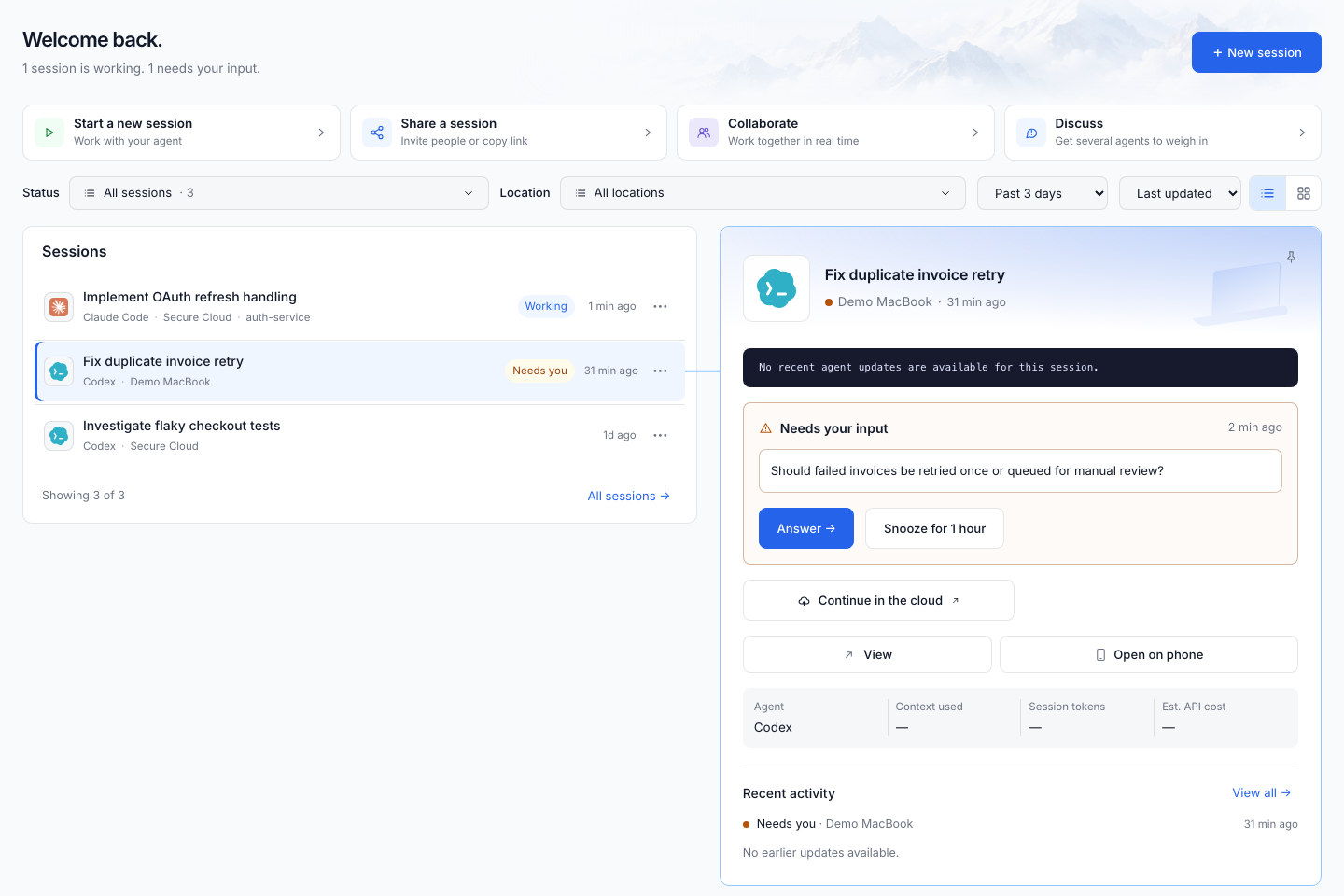
Choose where the work runs#
| Location | What it means | What stays available |
|---|---|---|
| Your computer | The agent runs on your computer; another device can connect to it. | Keep that computer awake, connected, and hosting the session. |
| Cloud | The session continues in an Ondago cloud environment when available for your workspace and agent. | Wait for the transfer to complete before closing your laptop. |
| Saved | An encrypted snapshot of the session, including the captured project state. | A saved snapshot is readable, but does not itself run an agent. Resume or continue it to work again. |
What would you like to do?#
- Check supported agents and compatibility
- Save and pull a session from the terminal
- Continue on your phone, in the cloud, or with another agent
- Read synced conversations while your computer is offline
- Learn the app screens
- Compare ideas in an Agent Discussion
- Use Agent Collaboration in a running session
- Draft project instructions and write agent files
- Share workspace knowledge and tailor it for each project
- Bring MCP connections into a cloud session
- Register a device and protect your recovery access
- Solve an installation or connection problem