Switch coding agents.
Keep your context.
Switch supported coding agents with your conversation, project context, and instructions intact.
Start freeSwitching agents often means explaining the work all over again.
Ondago carries the working context to the next supported agent.
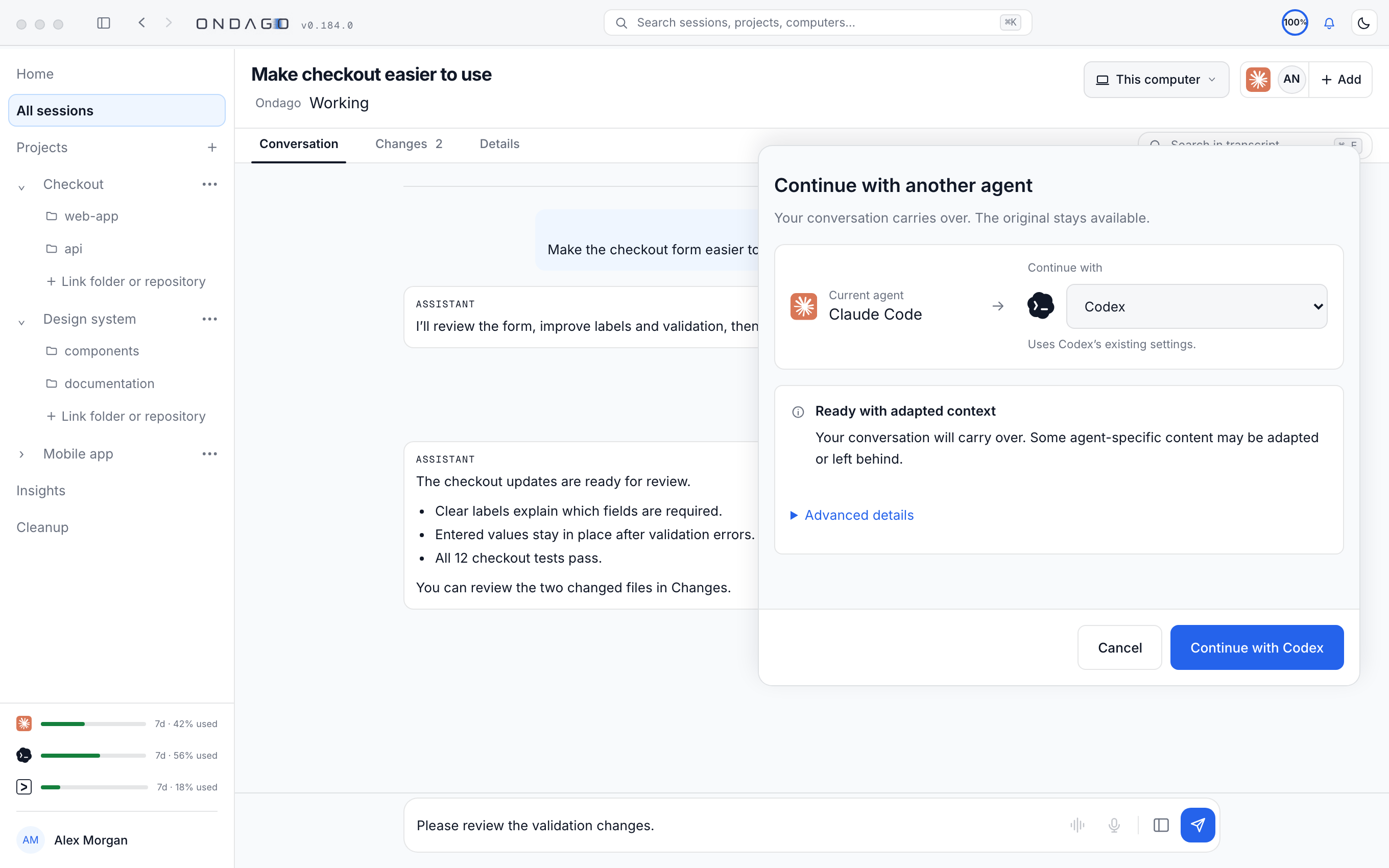
Explore the interactive example
01 / 03 Claude Code
Claude CodeSOURCE
$ claude auth-service
YOU Plan and implement user authentication.
CLAUDE CODE Use signed sessions and protect the API routes. Keep the existing middleware pattern.
Signed sessions Existing middleware pattern Tests for protected routes
src / middleware / auth.ts
 PORTABLE SESSION
AUTH-024Working contextTravels
- Conversation
- Instructions
- Code changes
- Compatible settings
Doesn't travel
- Hidden agent state
- Incompatible tools
DESTINATION
$ codex auth-service
Ready for your next agent
Claude Code’s session is ready to continue in Codex or OpenCode.
Claude Code → Ondago → your next agent
READY TO TRANSFERChange the agent.
Not the work you’ve already done.
Explore a more flexible way to work across AI coding agents.
Start freeStart with Free / Personal and connect your coding agents. Read the docs