One development workflow.
Multiple specialized agents.
Get review, advice, and test feedback on the same context. Choose what your primary coding agent implements.
Start freeSpecialist feedback usually means separate chats and copied context.
This example keeps review tied to your primary coding session.
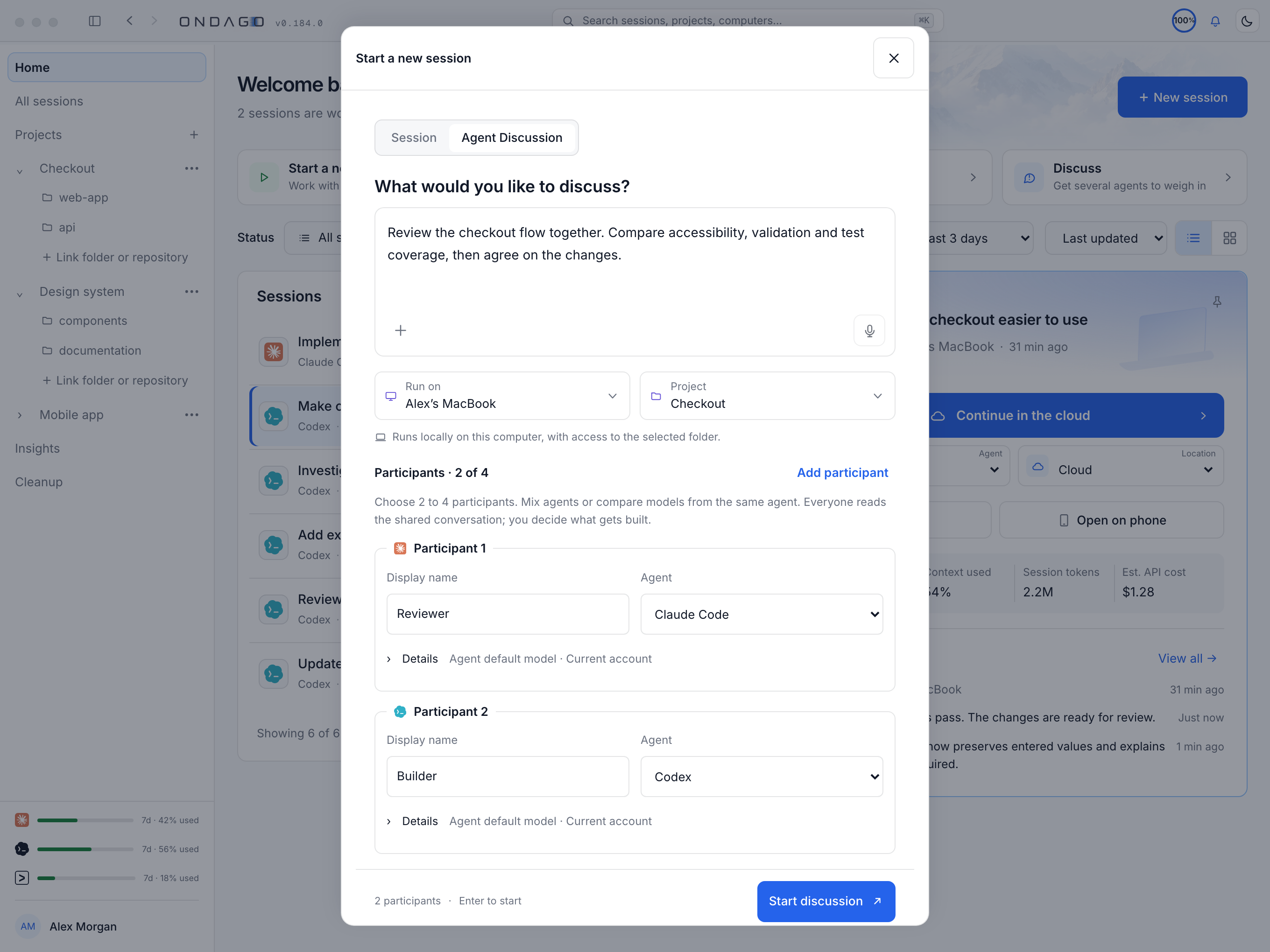
Explore the interactive example
01 / 03 Specialists and shared context
SPECIALIST PERSPECTIVES
Authentication design
Working code changes
Project instructions
session / AUTH-024Review access · no code modificationBuild a secure authentication system.
I’ll implement signed sessions, protect the API routes, and add authentication tests using the project’s existing patterns.
Specialist feedback appears here only after you send it.
Reviewing authentication changes…
YOU DECIDE WHAT GOES BACK
Forward this recommendation when you’re ready.AGENT COLLABORATION
Build with more than
one perspective.
Bring specialized AI expertise into your development workflow.
Start freeStart with Free / Personal and connect your coding agents. Read the docs