Your coding session.
Wherever you go.
Start locally, keep your agent running in the cloud, and control it from your phone, without starting over.
Start freeYour agent knows the project, but leaving your desk can stall the work.
Ondago lets the session move with you.
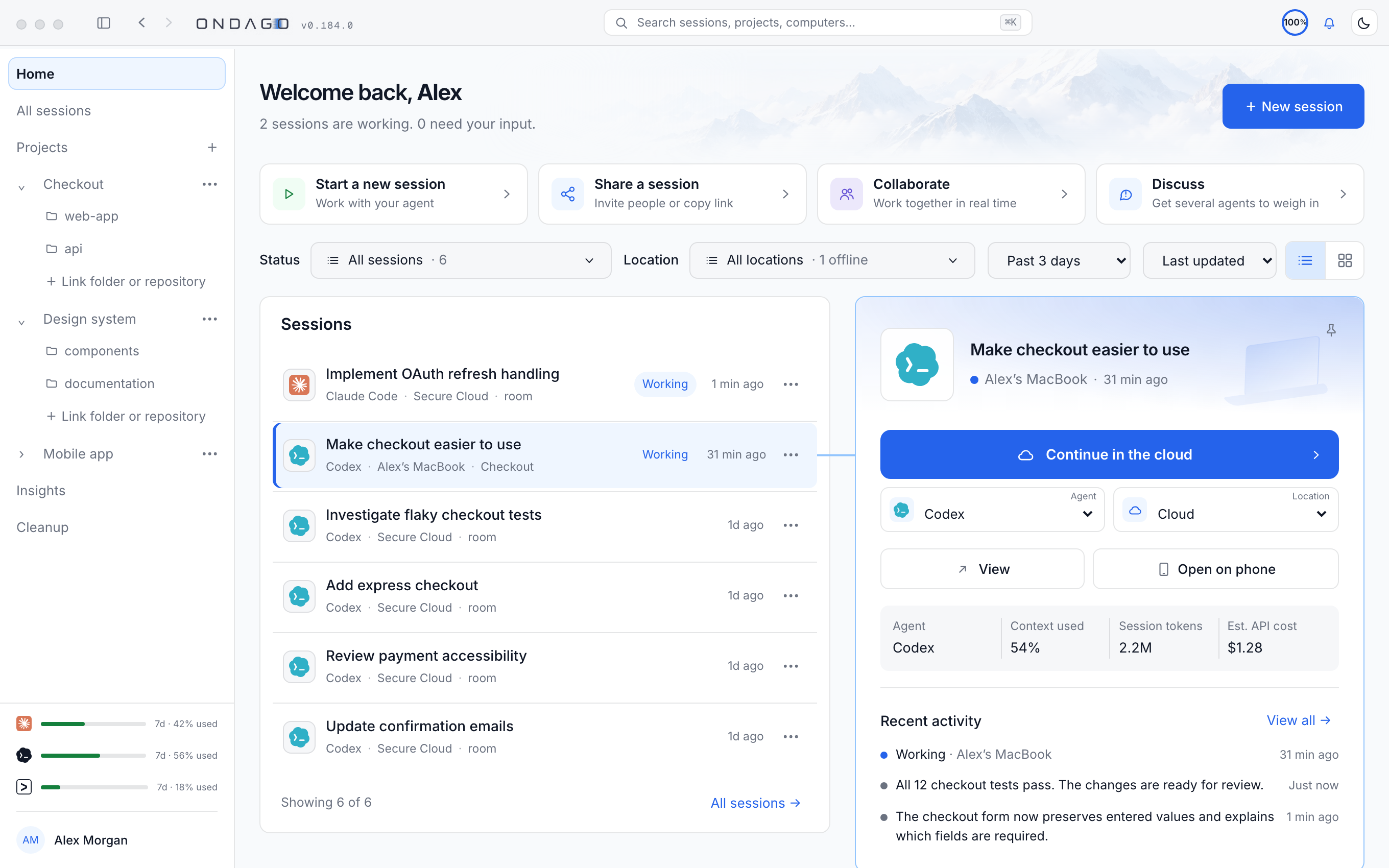
Explore the interactive example
AUTH-024Workflow simulationConversation, instructions, and changes stay together.
01 / 03 Laptop
❯ Implement user authentication.
AGENT I’ll add the auth middleware, protect the routes, and test the sign-in flow.
Implementing user authentication…
Your context. Your familiar environment.
 IDLE
AUTH-024Session ready to move
Compatible configuration ready
Local work available
No approval needed yet
Waiting for local session
Ready when you move your session.
User authentication
Cloud not started yet
Approval requests reach you via an app notification or your browser.
Across supported agents and environments. Working context and compatible harness configuration travel with your session.
Your workspace can change.
Your work continues.
Take your AI coding sessions wherever your day takes you.
Start freeStart with Free / Personal and connect your coding agents. Read the docs